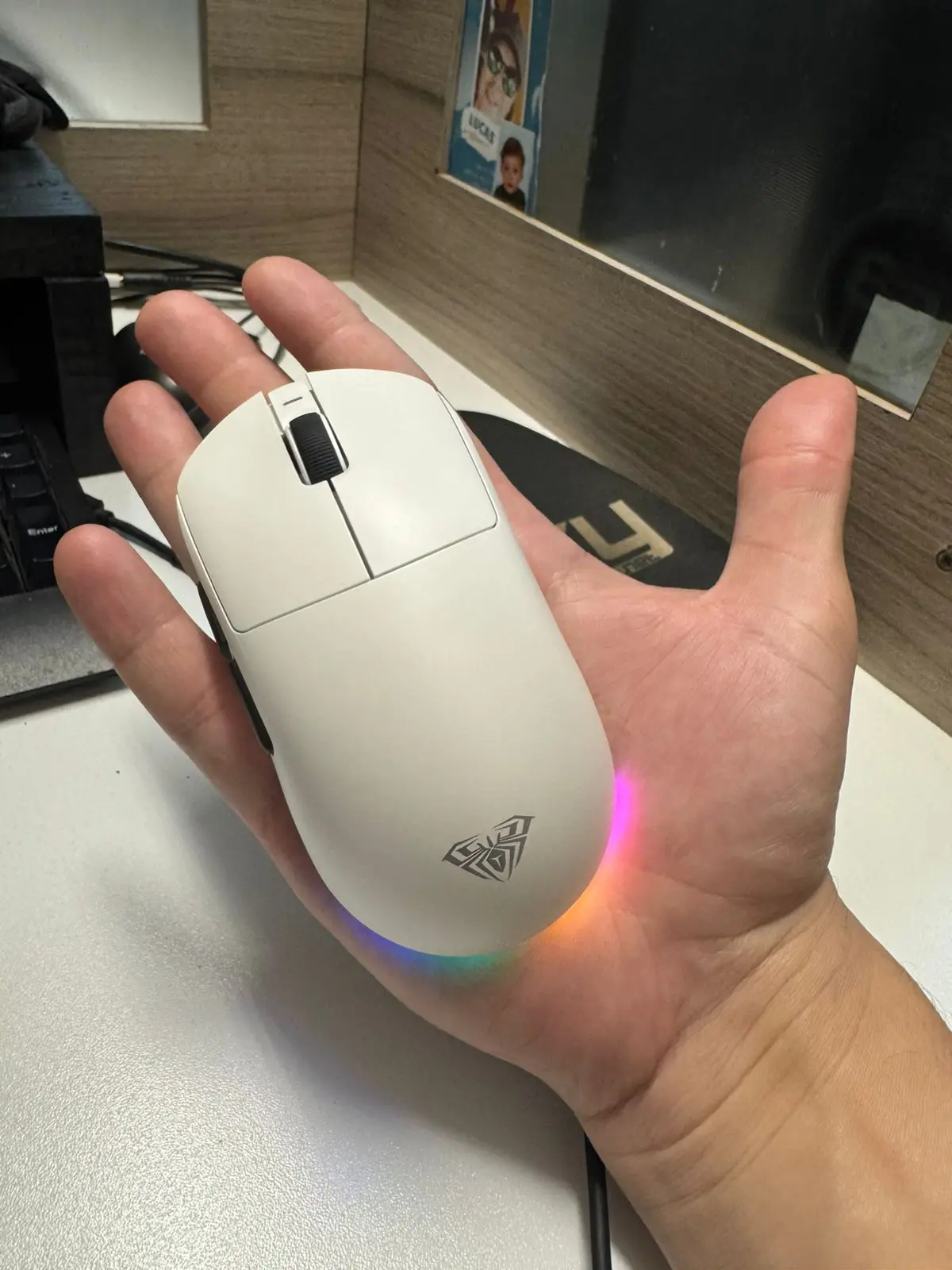
Only received 1 but supplier will send me 4 new one's as promised. great.
I’m so impressed very cheap and very good quality i like it

UPERFECT 13.3" OLED 4K Portable Gaming Monitor

Application: Laptop
Black and White Response Time: 1 ms
Bracket Type: Ordinary Bracket
Brand Name: Uperfect
Brightness: 400cd/m
Built-in Speaker: Yes
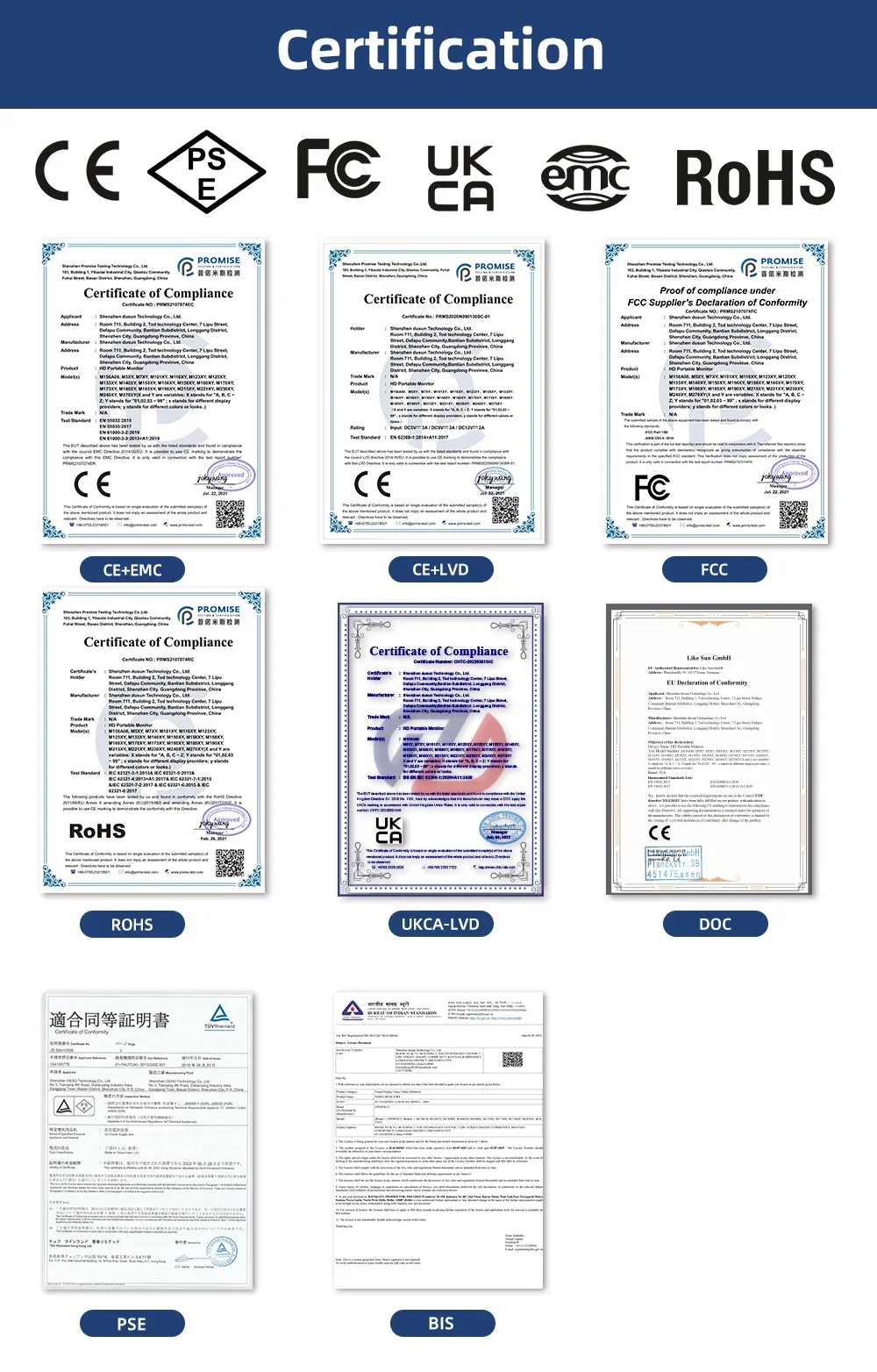
Certification: CE,FCC,RoHS,pse
Contrast Ratio: 10000:1
Display Ratio: 16:9
Display Size: 13.3"
Feature: Speaker,Gaming,Vertical mode
High-Dynamic Range: Other
High-concerned chemical: None
Horizontal Viewing Angle: 178°
Interface Type: HDMI-Compatible
Matrix color depth: 8 bit + FRC
Origin: Mainland China
Panel Type: OLED
Pixel Pitch: 0.26mm
Plug Type: EU Plug
Products Status: STOCK
Refresh Rate: 60 Hz
Refresh rate sync technology: AMD FreeSync
Resolution: 3840x2160
Response Time: 1MS
Screen Type: LCD
Screen curvature: NONE
Screen surface: MATT
Uperfect Model: Y
Vertical Viewing Angle: 178°


Specifications
Band: UPERFECT
Screen size:13.3 inch
Panel type: OLED
Resolution: 3840*2160P
Aspect ratio:16:9
Color Gamut:106% NTSC,100%SRGB
Displays Colours:16.7M (8-bit+FRC)
Brightness: 400cd/m2
Refresh rate: 60hz
Contrast:100000:1
Viewing angle: 178°
Response time: 1ms
HDR: support
Freesync :AMD freesync
Appearance size: 305mm*195mm*7mm
What's in the box
1 * 13.3" 4K OLED Monitor
1 * MINI HDMI cable (4K)
2 * C-C line
1 * PD18W power adapter
1 * Instruction manual
Q&A
1.Q:Why won't my monitor turn on?
A:
1. Check if your device’s Type-C port supports both power and video. If not, use a Mini HDMI cable and connect external power via USB-C.
2. Ensure sufficient power—at least PD 18W. 4K 60Hz needs more power, so use an external power source.
3. Still not working? Contact us.
2.Q: Why does it say "No Signal"?
A:
1.Ensure your device supports USB 3.1/Thunderbolt 3. If not, use Mini HDMl forsignal.
2.Use original cables and try another device.
3.Q: why does the monitor flash, show spots, or restart repeatedly?
1.This is usually due to insufficient power. Use the original cable.
2.If using a power bank, make sure it provides at least 18w.
3. Try another device. If the issue remains, contact usfor support or replacement.
4.Q: why can't l get 4K 60Hz?external display ?
A:
1.Check your device's resolution settings.
2.Make sure your device and app/game support 4K 60Hz.
3.Use HDMI 2.0 or higher cables.
4.Check if your GPU supports 4K output.
5.Q:My phone is a Google brand, but I cannot connect it directly to the display?
A: 1.Some Google phones cannot be connected directly to the display.
2.The mobile phone interface needs to support USB3.1 in order to connect directly to
the display.
3.Please conrm if your mobile phone supports it. If not, you need to purchase the "IOS / Andriod to HDTV" cable. If you need, you can tell us and we will send it to you .
6.Q:Why can't the settings be saved when the monitor is turned on again?
A:This is caused by insuffcient power supply,need large current to make the display work properly,please use C-C cable connect the PD port on the monitor to power charger and plug it into outlet.
7.Q:The monitor is constantly restarting.
A:
1. It is caused by an insuffcient power supply. Monitor required large power support. Please use the attached genuine cable provided to power the monitor.
2. If use the mobile power bank to power the monitor, please confirm whether the mobile power bank is a PD power bank that has reached 30W or more. Please contact us if you need a power bank.
3. If the resolutions above do not work, please try another computer device. If it failed, please contact us for the replacement of the cable
Note:
1.4K monitor requires additional power.Please always connect to an external power source dur ing operation
2.Please use the original powercable andcertified PD adapter
lmportant Tips:
lf you find any issues with your monitor, please contact us before returning it. We will help you solve your problems and try our best to makeyou satisfied. We take full responsibility for our products.
lf there are any defects that cannot be solved, we will refund or send you areplacement.